
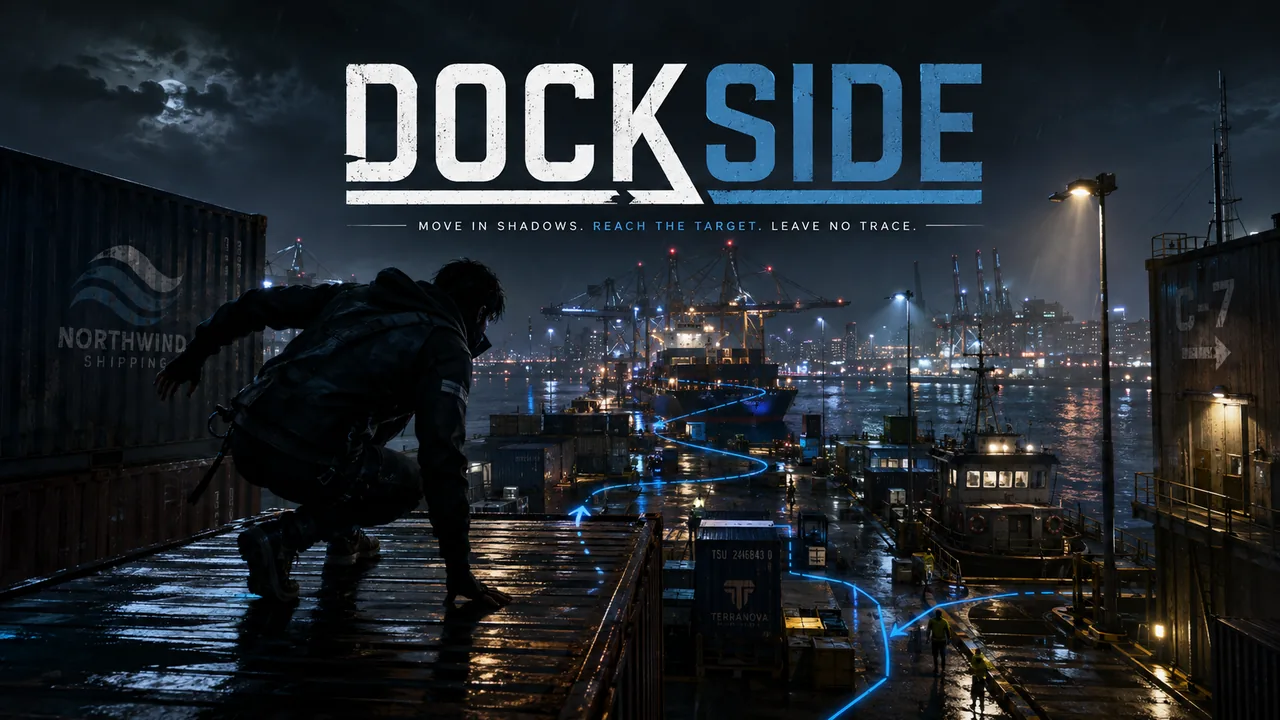
Dockside · Cover art
Out Now
Harbour stealth
Dockside
The level keeps moving because the harbour itself is your route.
The cargo is hidden in the harbour. Ride ferries and crane trolleys, slip past patrols and cameras, and find the marked crate (eight jobs ask for two or three, in order) in this top-down stealth runner.
Full game$1.99
Free demo3 harbour jobs
A good breakone job: 17 seconds to 4.5 minutes once you know its route (42 seconds for the middle one), longer while you learn it
PlayersSingle player
$1.99 full game · One purchase, no subscription.
- One-time purchase
- One-click Windows installer
- Secure checkout by Creem
A CLOSER LOOK
See it in action.
Real screens from the game. Select an image for a closer look.
YOUR NEXT “ONE MORE GO”
A small game with plenty to get stuck into.
You are a small-time dock runner retrieving goods from a port controlled by larger and less friendly operators.
Time your route around a working harbour.
Choose when an optional objective is worth the risk.
TRY A LITTLE. PLAY A LOT.
Get a taste of Dockside.
FREE BROWSER DEMO
3 harbour jobs
Get to know the controls, try the central challenge and decide whether you want another go. No payment needed.
- Play straight in your browser
- A short opening slice
- Replay as often as you like
THE FULL GAME · $1.99
Ready for the rest?
25 harbour jobs across six districts, plus 24 After Hours jobs.
- Continue beyond the demo
- Download your game
- One price, no subscription
$1.99 full game · One purchase, no subscription.
GET COMFORTABLE
Play your way.
Move, sprint, crouch, inspect cargo, chalk a mark and use the packed tool. The shift clock only starts when you start the job, so read the sheet for as long as you like.
Assists let you choose slower suspicion, patrol routes that stay on screen, a pause the first time the alarm goes, simpler cargo clues, reduced motion, high contrast, screen shake on or off, vision cones on screen, larger text and a left- or right-handed touch layout. Three difficulties (Dockhand, Runner, Ghost), and assists never cost medals. Alarms are recoverable: break line of sight and they cool down. But the exit is sealed while the alarm is up and a guard who keeps you in sight through it catches you. Being caught fails the job, and a restart is instant.
PLAYERS SCORE IT
Bought Dockside? Give it a score.
Scores run from 1 (worst) to 10 (best). Only players who bought the game can rate it, and you can change your score later.
QUICK ANSWERS
Before your next break.
How much is Dockside?+
Dockside costs $1.99 (US dollars) as a one-time purchase with no subscription. The free browser demo costs nothing.
What platforms does Dockside run on?+
You can play the free demo in a modern desktop web browser. The full game is a one-click Windows installer.
How long does Dockside take to play?+
one job: 17 seconds to 4.5 minutes once you know its route (42 seconds for the middle one), longer while you learn it. The free demo covers 3 harbour jobs.
What can I play for free?+
The browser demo includes 3 harbour jobs. Play it here before deciding whether you want the full game.
What does the full game include?+
25 harbour jobs across six districts, plus 24 After Hours jobs.
How do I play?+
Keyboard, Gamepad, Touch controls. Move, sprint, crouch, inspect cargo, chalk a mark and use the packed tool. The shift clock only starts when you start the job, so read the sheet for as long as you like.
How does buying work?+
When the full game is available, choose Buy full game to open secure checkout. Your purchase gives you the Windows installer for the full game: download it, double-click it and open the game from the shortcut on your desktop. It is a one-time purchase with no subscription.
ANOTHER ONE FOR THE SHELF
More action to try.
 Out Now$1.99FULL GAME
Astralith: The Last Worldseed
Your weapon is alive, and it can leave you to hunt on its own.
Fly a living starfighter and its detachable Crown familiar through seven dying world-sectors to recover the organs of the last worldseed.
3 Glasswake Reef stages42 stages in seven sectors, then Tide II (every stage remixed), the Abyss and three more ships to unlock.
 Out Now$1.99FULL GAME
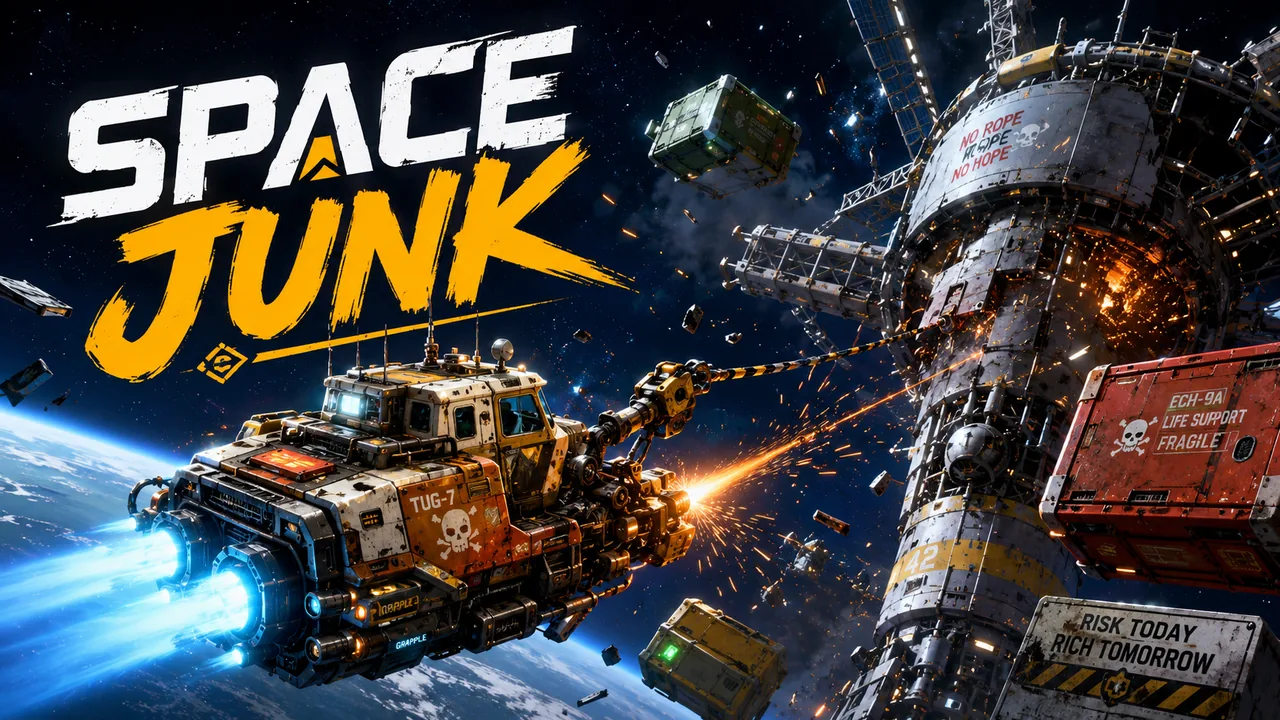
Space Junk
Cut it loose, hook it, tow it home, and mind the cable.
Cut clamps, hook cargo and tow it on a cable through swinging wrecks, drone lanes, sun lanes and gravity wells in a patched-up salvage tug.
4 salvage contracts40 contracts in seven orbital regions, plus an endless salvage board
 In Development$1.99FULL GAME
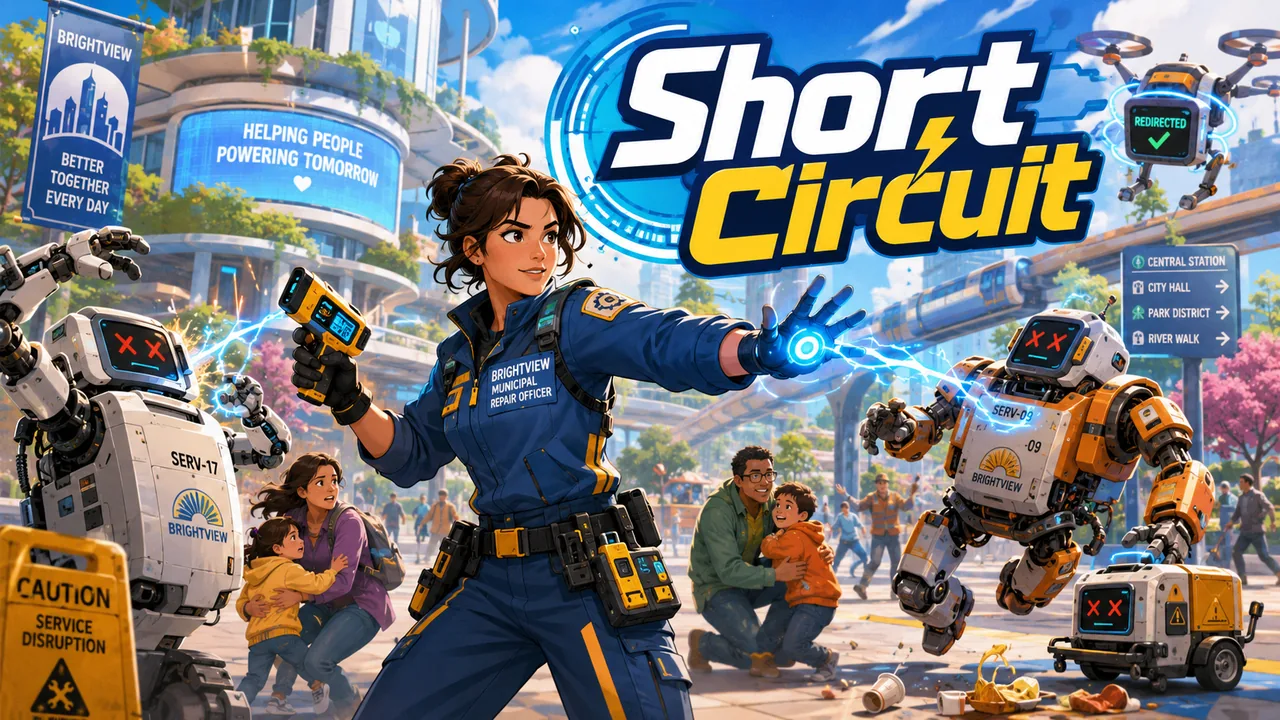
Short Circuit
You score by keeping the arena working, not by flattening it.
The service bots have gone rogue and the public is trapped. Guide civilians, steer threats elsewhere and keep the damage down.
2 repair missions4–10 minute arenas