
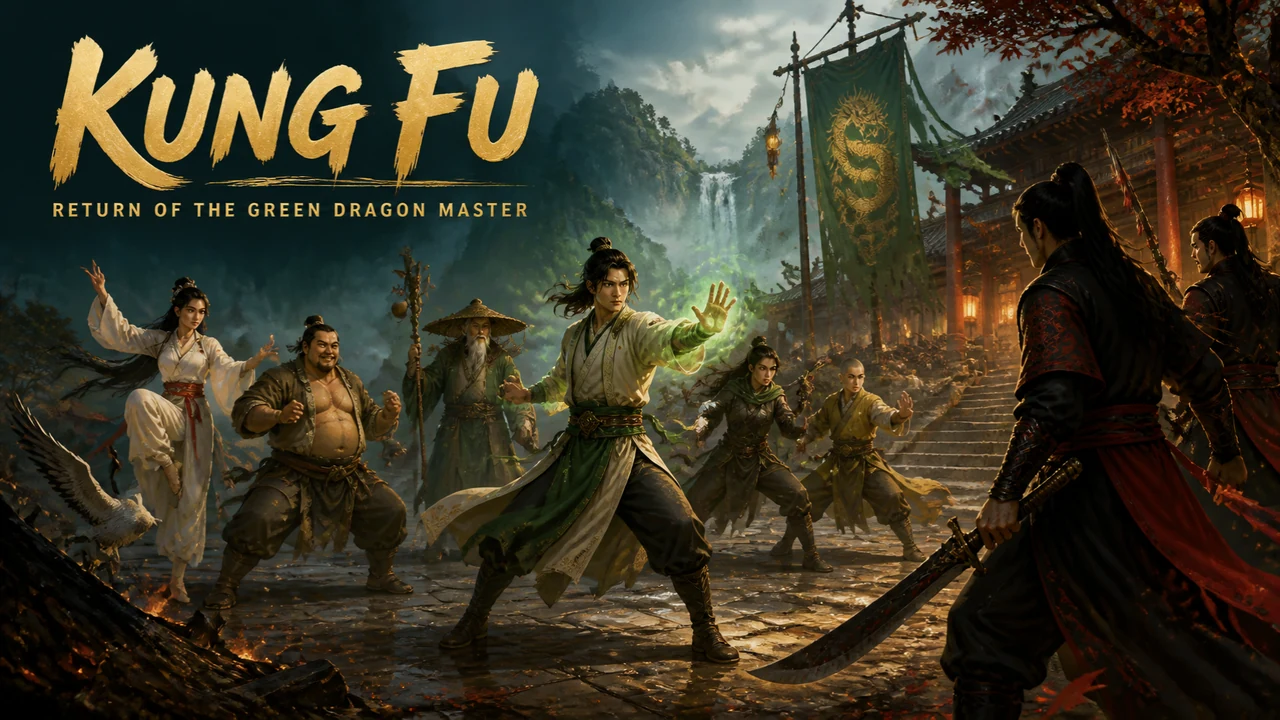
Kung Fu: Return of the Green Dragon Master · Cover art
In Development
Wuxia role-playing adventure
Kung Fu: Return of the Green Dragon Master
Find your master’s killer across six acts, then choose who you become.
Role-play a young martial artist in a living wuxia world: follow the clues to your master’s killer, level up and fight rival schools across six acts.
Full game$1.99
PlatformWindows
A good breakA six-act campaign across 47 regions, with progress saved as you go.
Players1 player
Windows edition in development · $1.99 full game.
YOUR NEXT “ONE MORE GO”
A small game with plenty to get stuck into.
You are Shi-An, a young martial artist who returns home to a burned school and a murdered master.
Learn from 20 martial styles, sixteen schools and six legendary weapons.
Five companions fight beside you, with five formations and duo techniques to master.
STILL BEING MADE
Kung Fu: Return of the Green Dragon Master is on its way.
IN DEVELOPMENT
Coming to Windows
Shi-An returns to Green Dragon Hall to find the school burned, Master Shen murdered and the jade sword gone. The official story blames bandits, but the witnesses remember details that do not fit. Travel through villages, roads, monasteries and courts, talk to everyone who saw something, and settle it in fast arcade duels where you read the distance, block, parry and build Chi for a style technique. Five companions can fight beside you and call assists, and six acts carry you from the ashes of the hall to a final choice about who you become.
- One-click Windows installer
- DRM-free, no subscription
- $1.99 one-time purchase
RELEASE NEWS
Hear when it is out.
Join the list at the bottom of this page and we will tell you when Kung Fu: Return of the Green Dragon Master is ready, along with new demos and games.
- An occasional email, no spam
- Leave the list whenever you like
GET COMFORTABLE
Play your way.
Move with WASD or the arrow keys and press E or Enter to talk. In duels, J punches, K kicks, L swings your weapon, I spends Chi, S blocks and parries, Space evades and U throws. Gamepads and on-screen touch controls work too, and the prompts follow the controller you use.
Open the options from the pause menu to change difficulty, switch off screen shake and screen flashes, turn on high contrast, set the dialogue speed and choose whether quests are tracked for you. Progress saves automatically while you explore, and you can save from the pause menu too.
QUICK ANSWERS
Before your next break.
When is Kung Fu: Return of the Green Dragon Master out?+
Kung Fu: Return of the Green Dragon Master is still in development and has no release date yet. Join the release news list on this page and you will hear as soon as it is ready.
How much will Kung Fu: Return of the Green Dragon Master cost?+
The full game is priced at $1.99 (US dollars) as a one-time purchase with no subscription.
What platforms will Kung Fu: Return of the Green Dragon Master run on?+
The full game is a one-click Windows installer for Windows 10 or newer (64-bit).
How long does Kung Fu: Return of the Green Dragon Master take to play?+
A six-act campaign across 47 regions, with progress saved as you go.
What will the full game include?+
Shi-An returns to Green Dragon Hall to find the school burned, Master Shen murdered and the jade sword gone. The official story blames bandits, but the witnesses remember details that do not fit. Travel through villages, roads, monasteries and courts, talk to everyone who saw something, and settle it in fast arcade duels where you read the distance, block, parry and build Chi for a style technique. Five companions can fight beside you and call assists, and six acts carry you from the ashes of the hall to a final choice about who you become.
How do I play?+
Keyboard, Gamepad, Touch controls. Move with WASD or the arrow keys and press E or Enter to talk. In duels, J punches, K kicks, L swings your weapon, I spends Chi, S blocks and parries, Space evades and U throws. Gamepads and on-screen touch controls work too, and the prompts follow the controller you use.
How will buying work?+
When the game is out, choose Buy full game to open secure checkout by Creem. Your purchase gives you the Windows installer: download it, double-click it and open the game from the shortcut on your desktop. It is a one-time purchase with no subscription.
ANOTHER ONE FOR THE SHELF
More adventure to try.
 In Development$1.99FULL GAME
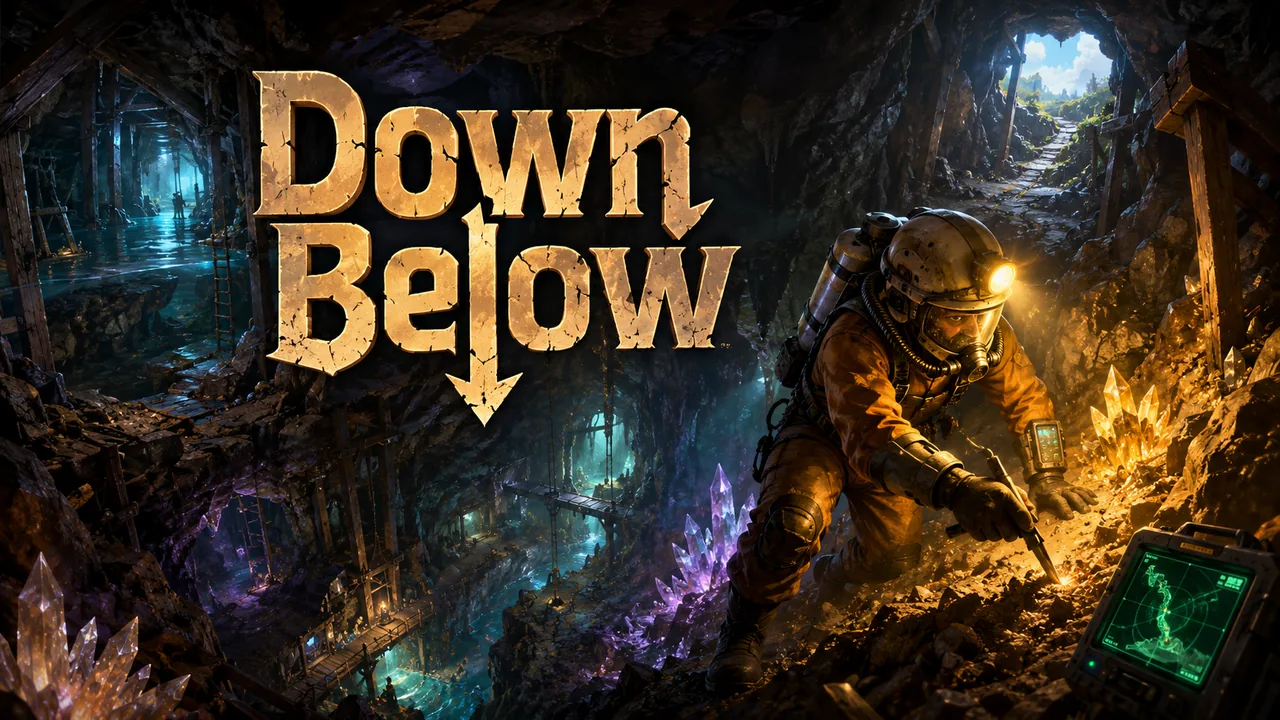
Down Below
Every tunnel you dig is also a choice about how you'll get back out.
There is always something deeper. Scan the rock, dig carefully through unstable caverns and keep your way back open.
2 expeditions8–15 minute expeditions
 In Development$1.99FULL GAME
After Closing
Every shop turns into its own small game, but the mall stays one connected place.
The shops are closed and something in the arcade is calling maintenance. Explore a transformed midnight mall in this compact platform adventure.
2 mall rooms10–18 minute departments
 In Development$1.99FULL GAME
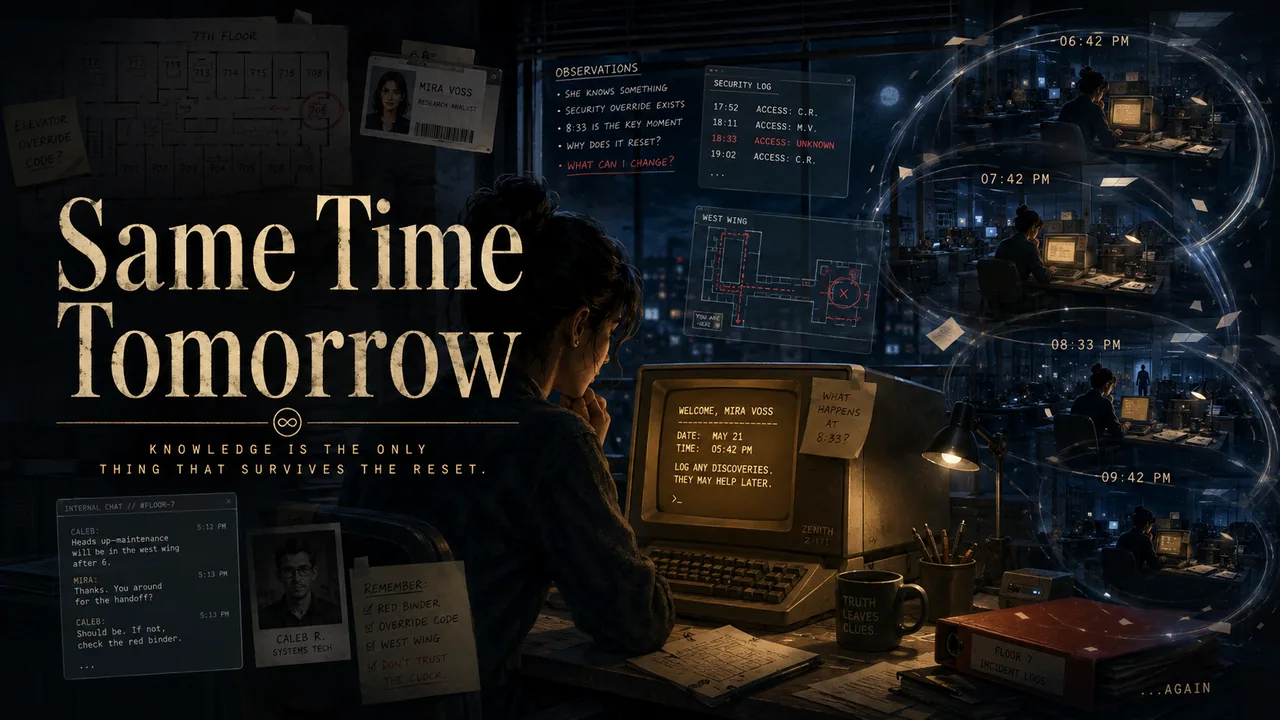
Same Time Tomorrow
Knowledge is the only inventory that survives the reset.
The clock resets and the terminal forgets, but you remember. Inspect clues, change schedules and untangle a 24-hour time loop.
2 evidence cases10–20 minute loops