

Gilded Rivals: A Dynasty of Fortune · Cover art
In Development
Dynasty and business strategy
Gilded Rivals: A Dynasty of Fortune
Start with a ledger in 1894. Build a fortune your family can keep.
Trade, collect art, found companies and outmanoeuvre rival houses in 1890s Europe, then marry, raise a family and see how far your name can travel.
Full game$1.99
PlatformWindows
A good breakA run covers five game years, from January 1894 to the end of 1898, and you choose how fast the calendar moves.
Players1 player
Windows edition in development · $1.99 full game.
YOUR NEXT “ONE MORE GO”
A small game with plenty to get stuck into.
You are an ambitious young merchant in 1894 with a small purse and big plans.
Inspect paintings for forgeries, then outbid rival houses at scheduled auctions.
Found companies, build factories and hire executives while six great houses build their own empires.
STILL BEING MADE
Gilded Rivals: A Dynasty of Fortune is on its way.
IN DEVELOPMENT
Coming to Windows
Begin in Amsterdam in January 1894 with £25,000, a few introductions and a name still to make. Travel between five cities, trade commodities and shares, check a painting for forgery before you buy and bid against rival houses at auction. As your wealth grows, found companies and factories, hire executives, buy property and bid for private firms while six great families play their own game. Everyone you deal with remembers how you treated them.
- One-click Windows installer
- DRM-free, no subscription
- $1.99 one-time purchase
RELEASE NEWS
Hear when it is out.
Join the list at the bottom of this page and we will tell you when Gilded Rivals: A Dynasty of Fortune is ready, along with new demos and games.
- An occasional email, no spam
- Leave the list whenever you like
GET COMFORTABLE
Play your way.
Play with the mouse or keyboard through panels for markets, art, family, companies, property and rivals. Move the calendar on by seven or thirty days at a time, or let travel and big decisions carry it forward. The game saves after every action.
Take as long as you like over each decision, because nothing happens until you act or move the calendar on. Scene transitions switch off when your system asks for reduced motion, and every control works with the mouse or the keyboard.
QUICK ANSWERS
Before your next break.
When is Gilded Rivals: A Dynasty of Fortune out?+
Gilded Rivals: A Dynasty of Fortune is still in development and has no release date yet. Join the release news list on this page and you will hear as soon as it is ready.
How much will Gilded Rivals: A Dynasty of Fortune cost?+
The full game is priced at $1.99 (US dollars) as a one-time purchase with no subscription.
What platforms will Gilded Rivals: A Dynasty of Fortune run on?+
The full game is a one-click Windows installer for Windows 10 or newer (64-bit).
How long does Gilded Rivals: A Dynasty of Fortune take to play?+
A run covers five game years, from January 1894 to the end of 1898, and you choose how fast the calendar moves.
What will the full game include?+
Begin in Amsterdam in January 1894 with £25,000, a few introductions and a name still to make. Travel between five cities, trade commodities and shares, check a painting for forgery before you buy and bid against rival houses at auction. As your wealth grows, found companies and factories, hire executives, buy property and bid for private firms while six great families play their own game. Everyone you deal with remembers how you treated them.
How do I play?+
Mouse, Keyboard controls. Play with the mouse or keyboard through panels for markets, art, family, companies, property and rivals. Move the calendar on by seven or thirty days at a time, or let travel and big decisions carry it forward. The game saves after every action.
How will buying work?+
When the game is out, choose Buy full game to open secure checkout by Creem. Your purchase gives you the Windows installer: download it, double-click it and open the game from the shortcut on your desktop. It is a one-time purchase with no subscription.
ANOTHER ONE FOR THE SHELF
More strategy to try.
 Out Now$1.99FULL GAME
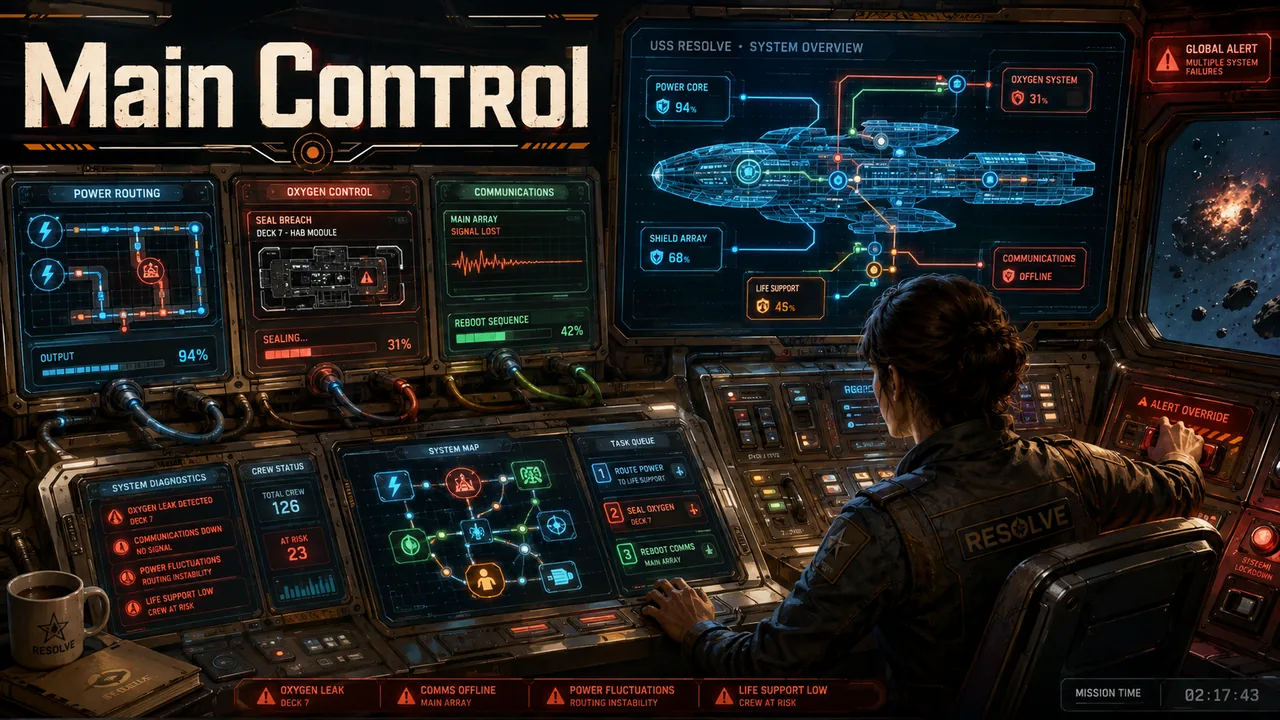
Main Control
Every panel is connected, so the right fix in one place can be wrong somewhere else.
Faults are piling up on a flying starship. Route power, coolant and bandwidth, post your crew and answer the ship's calls before their windows close.
2 ship incidents20 incidents across 5 chapters, plus Hard difficulty, Endless Watch and a Practice Deck
 In Development$1.99FULL GAME
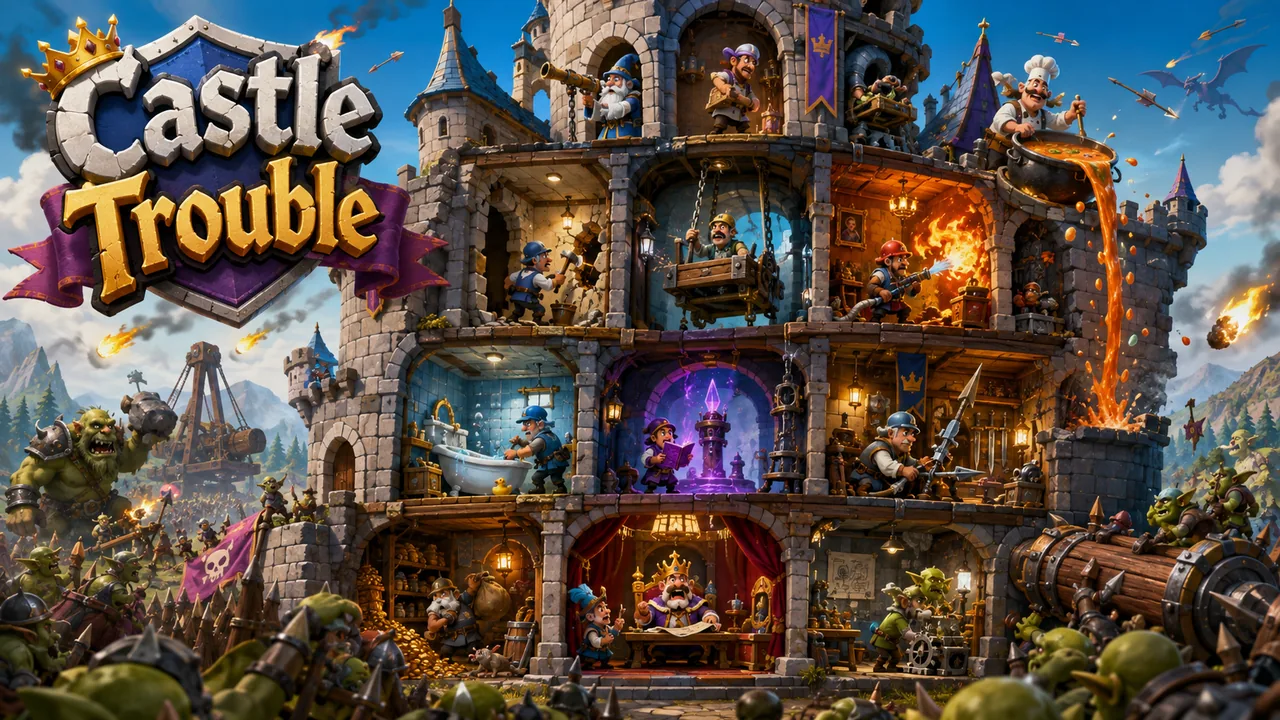
Castle Trouble
You don't have to beat the army. Just keep the castle usable until it leaves.
The knights fight outside while the castle falls apart inside. Send out your maintenance crew, fix the rooms that matter and get through each siege.
2 castle sieges5–9.5 minute sieges
 In Development$1.99FULL GAME
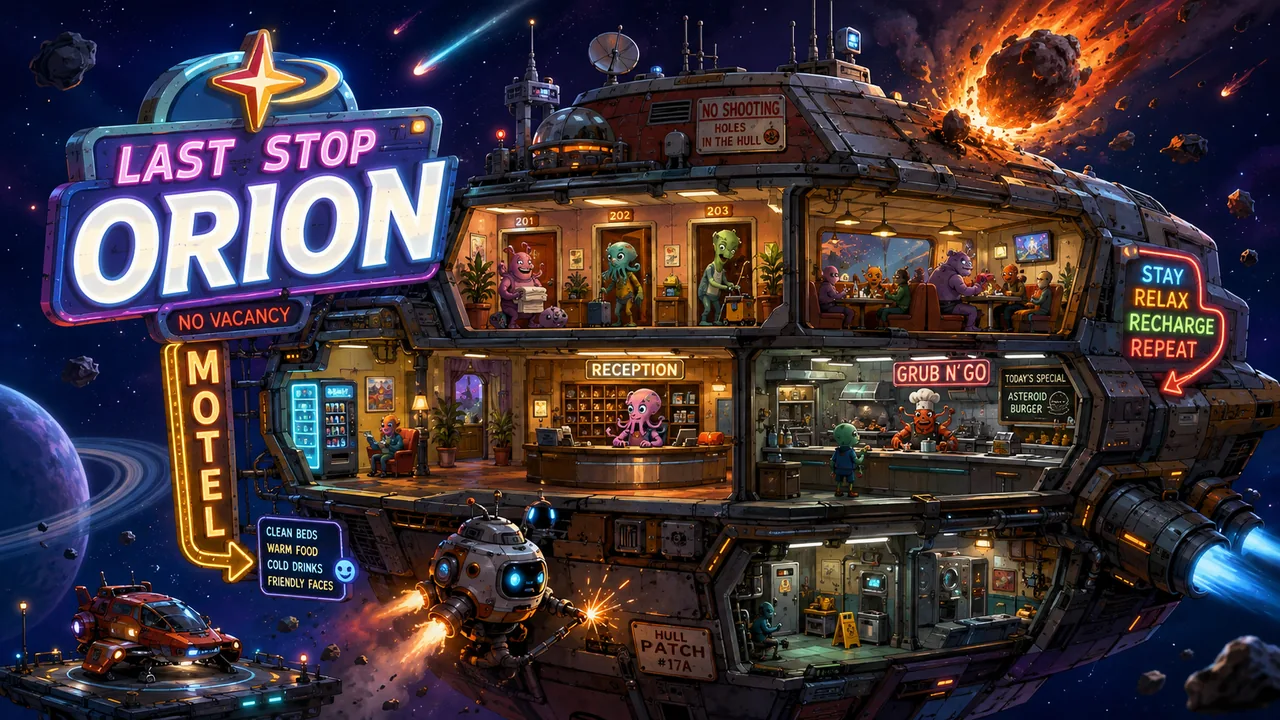
Last Stop Orion
You can't protect everything, so each night becomes a story about what you chose to save.
Welcome to the last motel before Orion. The beds are clean, the shields mostly work, and tonight's meteor forecast is only moderately alarming.
2 motel nights8–15 minute nights